




Jump to content
View in the app

A better way to browse. Learn more.

Ayuda Excel

A full-screen app on your home screen with push notifications, badges and more.

To install this app on iOS and iPadOS
  1. Tap the Share icon in Safari
  2. Scroll the menu and tap Add to Home Screen.
  3. Tap Add in the top-right corner.
To install this app on Android
  1. Tap the 3-dot menu (⋮) in the top-right corner of the browser.
  2. Tap Add to Home screen or Install app.
  3. Confirm by tapping Install.

Listar archivos locales con Power Query 1.0.0

(0 reviews)

1 Screenshot

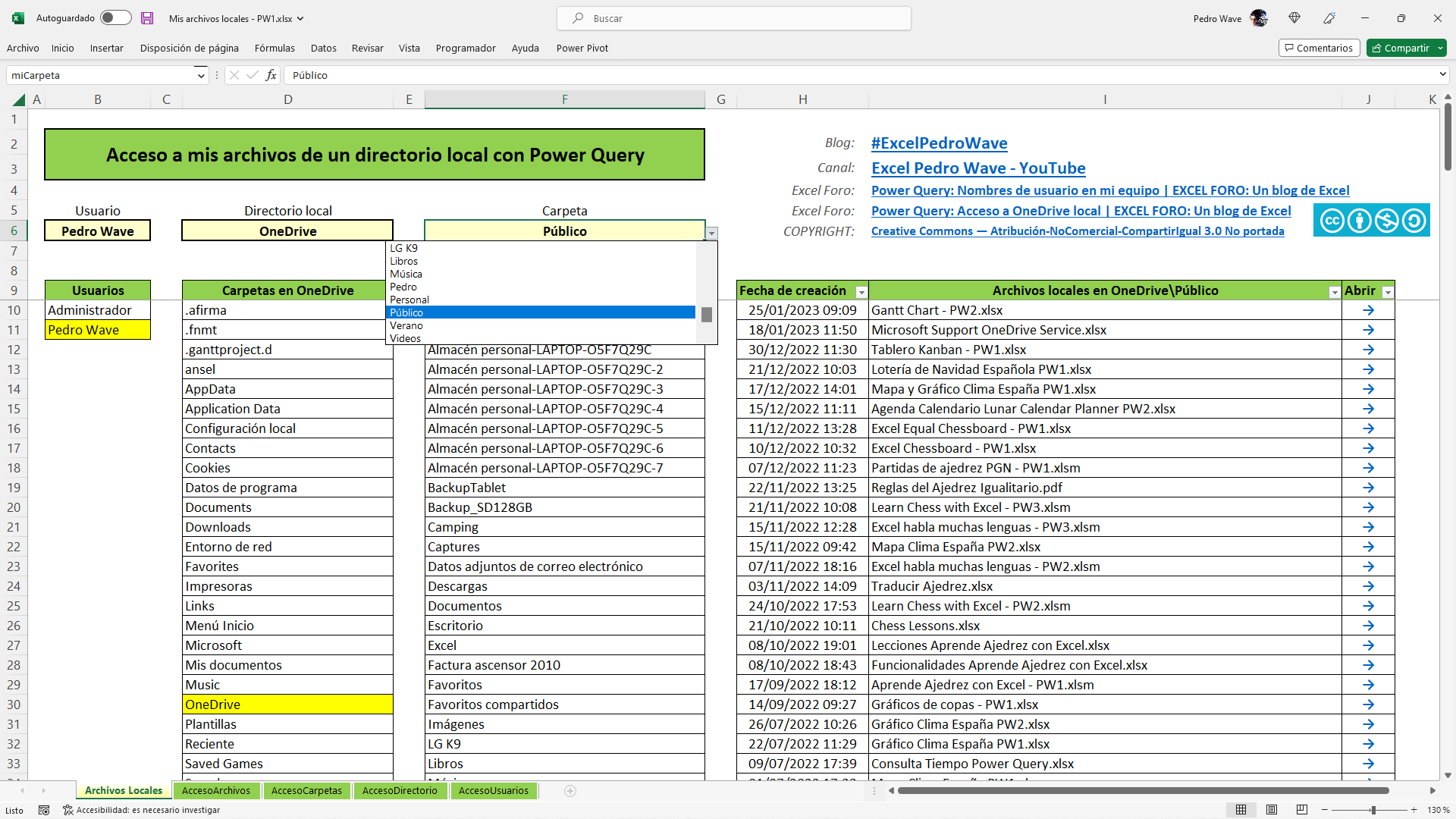
He automatizado el acceso a los archivos locales usando Power Query en este artículo:
https://pedrowave.blogspot.com/2023/02/mis-archivos-locales-con-power-query.html

Se puede acceder a dos niveles de carpetas del equipo o incluso al primer nivel de carpetas de OneDrive, si está mapeado en local.

Se puede abrir cualquier archivo directamente desde Excel con un hipervínculo.

Descarga el archivo (.xlsx) sin macros y protegido sin contraseña, hecho con fórmulas y consultas de Power Query.

Salu2,

Pedro Wave

User Feedback

Create an account or sign in to leave a review

There are no reviews to display.

Configure browser push notifications

Chrome (Android)
  1. Tap the lock icon next to the address bar.
  2. Tap Permissions → Notifications.
  3. Adjust your preference.
Chrome (Desktop)
  1. Click the padlock icon in the address bar.
  2. Select Site settings.
  3. Find Notifications and adjust your preference.